
Industries
Sporting goods
Sports equipment, clothing and accessories with sizes, models and seasonal ranges.
The challenge
What makes this industry hard
Equipment and clothing in sizes and models, with demand that rises and falls with the seasons.
- 01
Sizes and models multiply the catalog.
- 02
Demand swings with the seasons.
- 03
Shoppers compare similar equipment.
What customers ask
Questions your customers send
Typical examples, not quotes from real customers. Anchor answers from your catalog and stock, or hands the conversation to a person when your records do not say.
“Do you have the size 5 football in stock?”
“Which running shoes do you have in size 44?”
“What is the difference between these two tennis rackets?”
How Anchor could help
Capabilities that apply
Only general Anchor capabilities that exist today. Anchor has no industry-specific modules.
- Product variants (size, weight, model)
- Structured comparison of similar equipment
- Plain-language answers about seasonal sales
- One inventory record for chat and dashboard
Illustrative example
What this looks like
How the product is designed to work, told as a short scenario. Examples, not customer accounts.
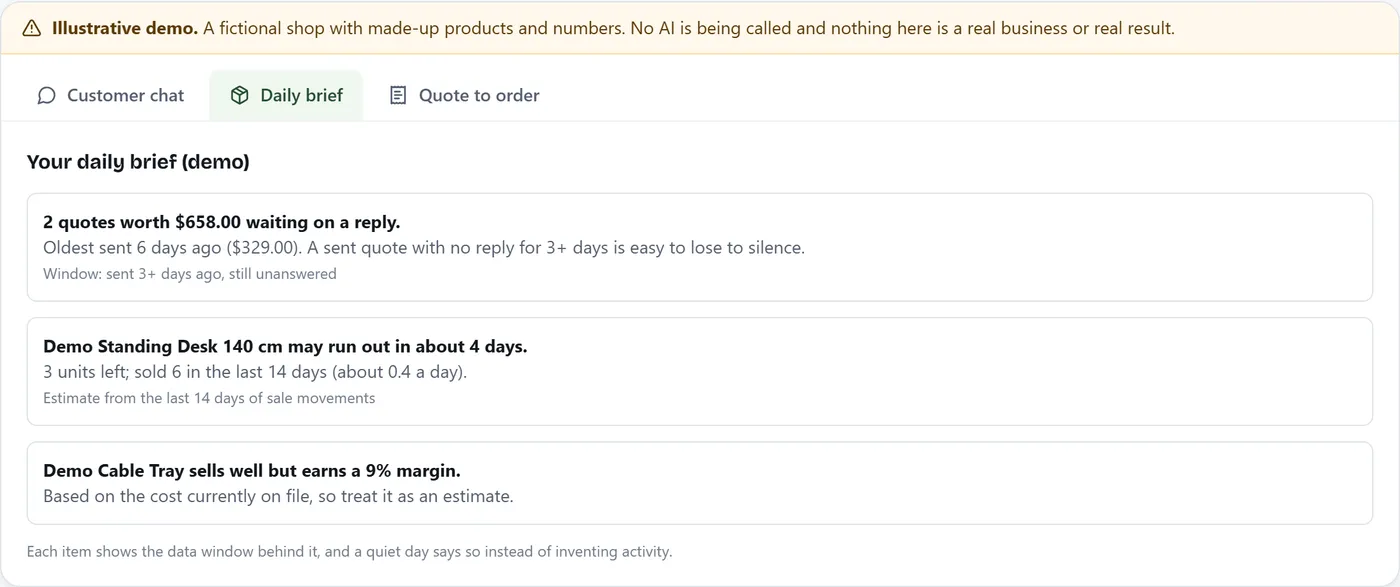
Before the football season, the owner asks which ball sizes sold fastest last spring and how many are left. Anchor computes the answer from recorded orders and current stock, and shows the date range it used.
Appropriate AI use
Where AI helps, and where it stays out
Where it helps
- Answer size and model availability.
- Compare equipment using the attributes you recorded.
- Answer the owner’s questions about last season’s sales.
Where it stays out
- It answers only from your catalog and records, never from general knowledge about your products.
- When the data does not support an answer, it says it does not know and hands off to a person.
- Anything with real-world consequences waits for your approval.
Getting started
Set it up, and know what stays with you
Setup steps
- Import equipment with size, weight and model as variants.
- Record specifications as attributes so similar products can be compared.
- Keep stock current before each season starts.
- Ask Anchor what sold last season and review the answer before planning.
What a person still decides
- Coaching, fitting and injury questions go to a person.
- Restock suggestions wait for your approval; approving one does not order stock.
Limits
What Anchor does not do
- Anchor is a catalog-and-orders product. It does not include industry-specific modules (for example prescriptions, table booking or shipping-carrier integrations) unless they are listed on the product page.
- Anchor does not give coaching, fitting or injury advice.
- Rentals, court or class bookings and memberships are not part of Anchor.
Integrations
How it connects
Your website widget and the messaging channels you connect (Messenger, WhatsApp, Instagram, Telegram, email), plus CSV and Excel import. No other third-party integrations are built in today.
Security considerations
Read this before you put data in
Anchor isolates each business’s data with an API-layer membership check on every request, validates uploads, and keeps AI answers inside your own data. Anchor does not hold SOC 2, ISO 27001, HIPAA or PCI certification, and nothing on this page should be read as a compliance claim for your industry. Check your own regulatory requirements before putting sensitive data in any tool. Security and data
Learn and get help
Set it up with guides and answers
- Getting started with AnchorA reading path from an empty account to a working assistant.
- Import your catalog from a spreadsheetCSV or Excel, with a preview and a sample file.
- Catalog and products helpVariants, attributes, photos and product limits.
- Plans and billing helpThe trial, the Free plan and paid plans.
Try it on your own catalog.
Anchor has a free plan, so you can start at no cost.