
Pinevon app · by Pinevon
Anchor
Catalog, stock, quotes, orders and customer conversations in one place, with grounded AI assistants.
Overview
Anchor is Pinevon’s business product for companies that sell from a catalog. It keeps products, stock, customers, quotes, orders and conversations together.
A customer assistant answers product questions from your catalog and hands the conversation to your team when it finds nothing relevant. You can ask plain-language questions about your own sales and stock, and suggested actions wait for your approval.
Screenshots
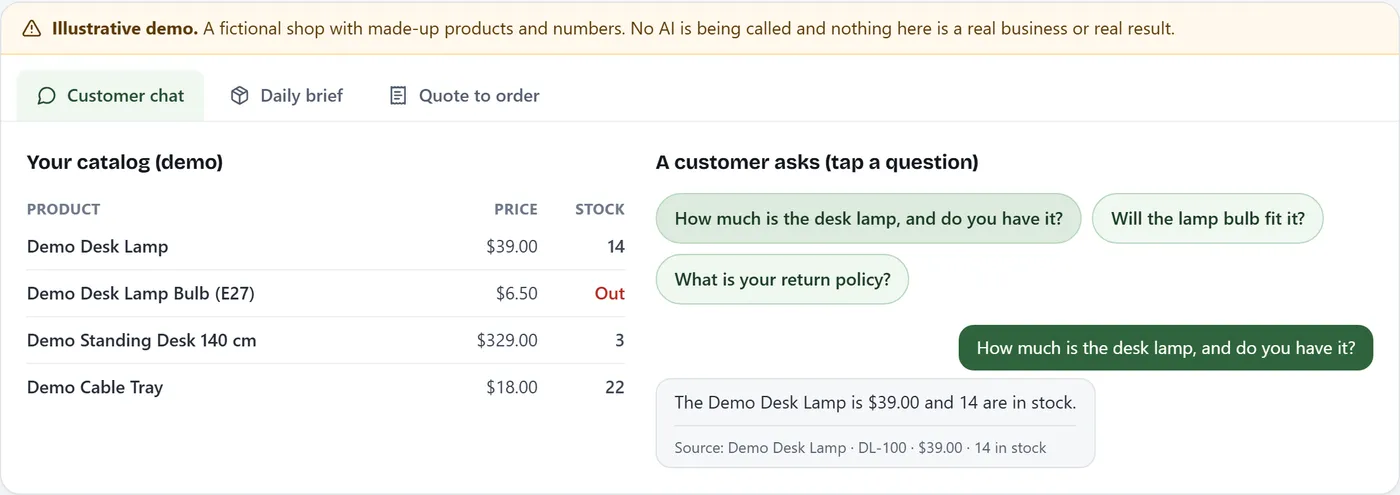
From Anchor’s public demo (fictional shop). 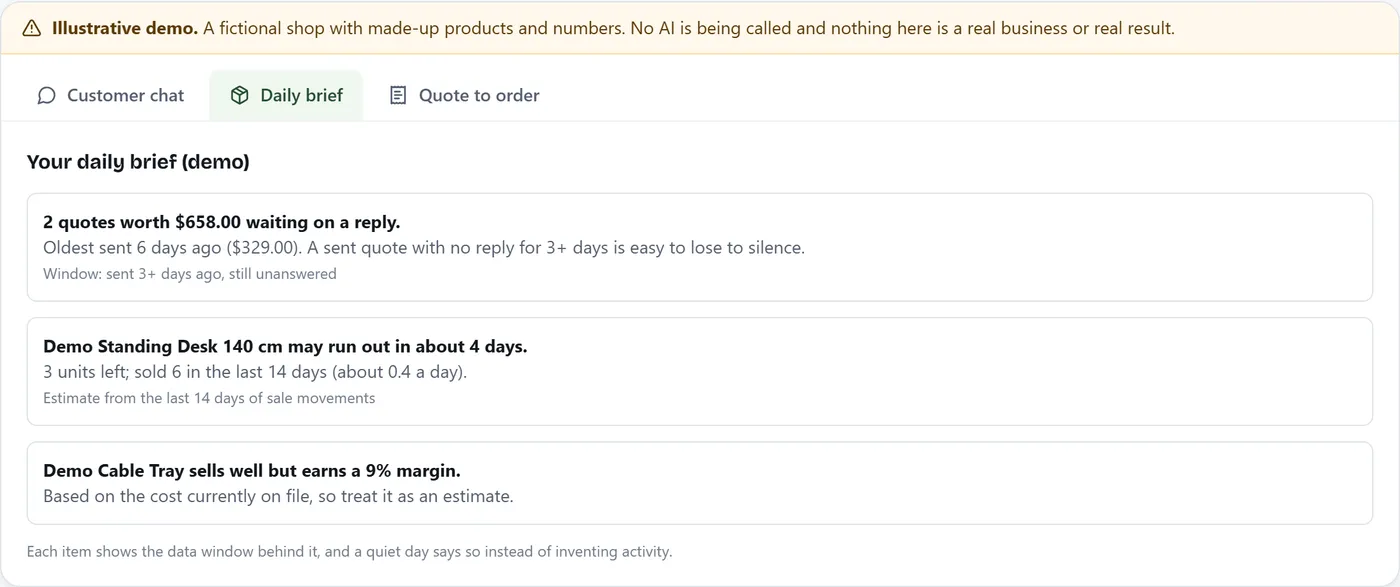
Daily brief in the public demo (made-up data). 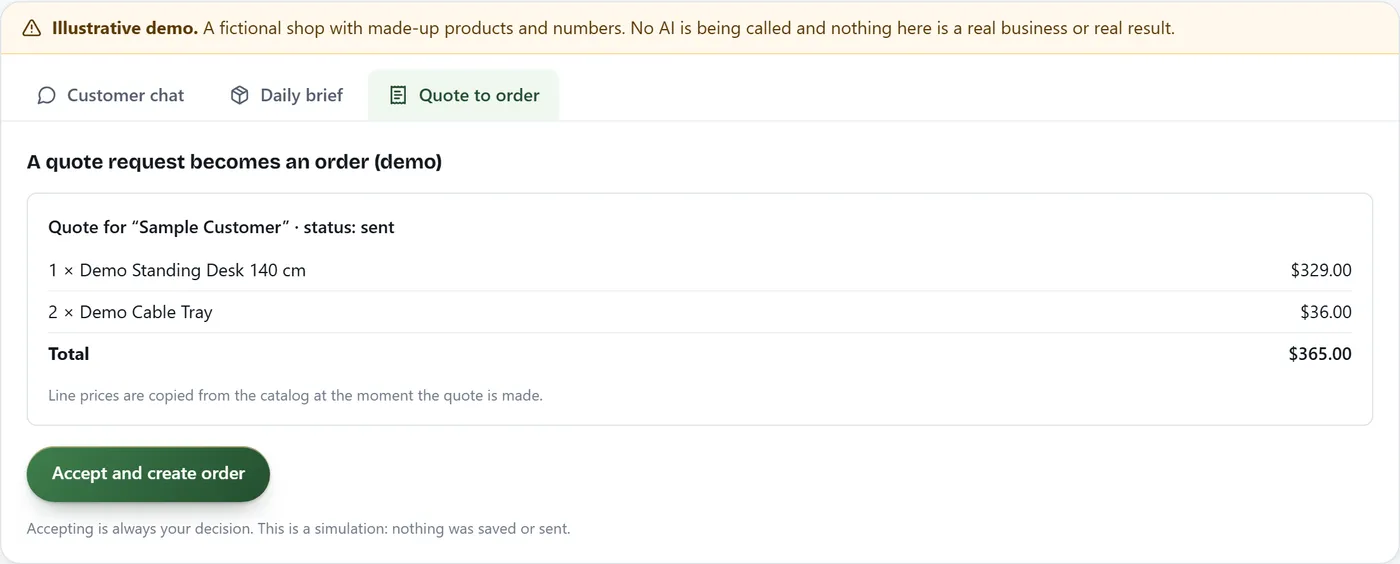
Quote to order in the public demo (made-up data).
How to set it up
- Sign up or sign in with your Pinevon account.
- Open Anchor and create your business (name, country, currency, language, timezone).
- Add products or import them from a CSV or Excel (.xlsx) file.
- Brand and install the website widget, or connect a channel.
- Test the assistant with real customer questions.
Limitations
- Anchor does not process payments.
- It is built for catalog-based businesses, not services, scheduling or project billing.
- AI answers can be wrong when your records are incomplete or out of date.
Documentation and support
More in Apps
Pinevon app · by Pinevon
Pinevon Assistant
Ask about Pinevon and Anchor on pinevon.com, by typing or by voice.
Pinevon app · by Pinevon
Pinevon account
One account for Pinevon and Anchor: profile, security, sessions and your data.